My Return to Visual Studio Code from JetBrains
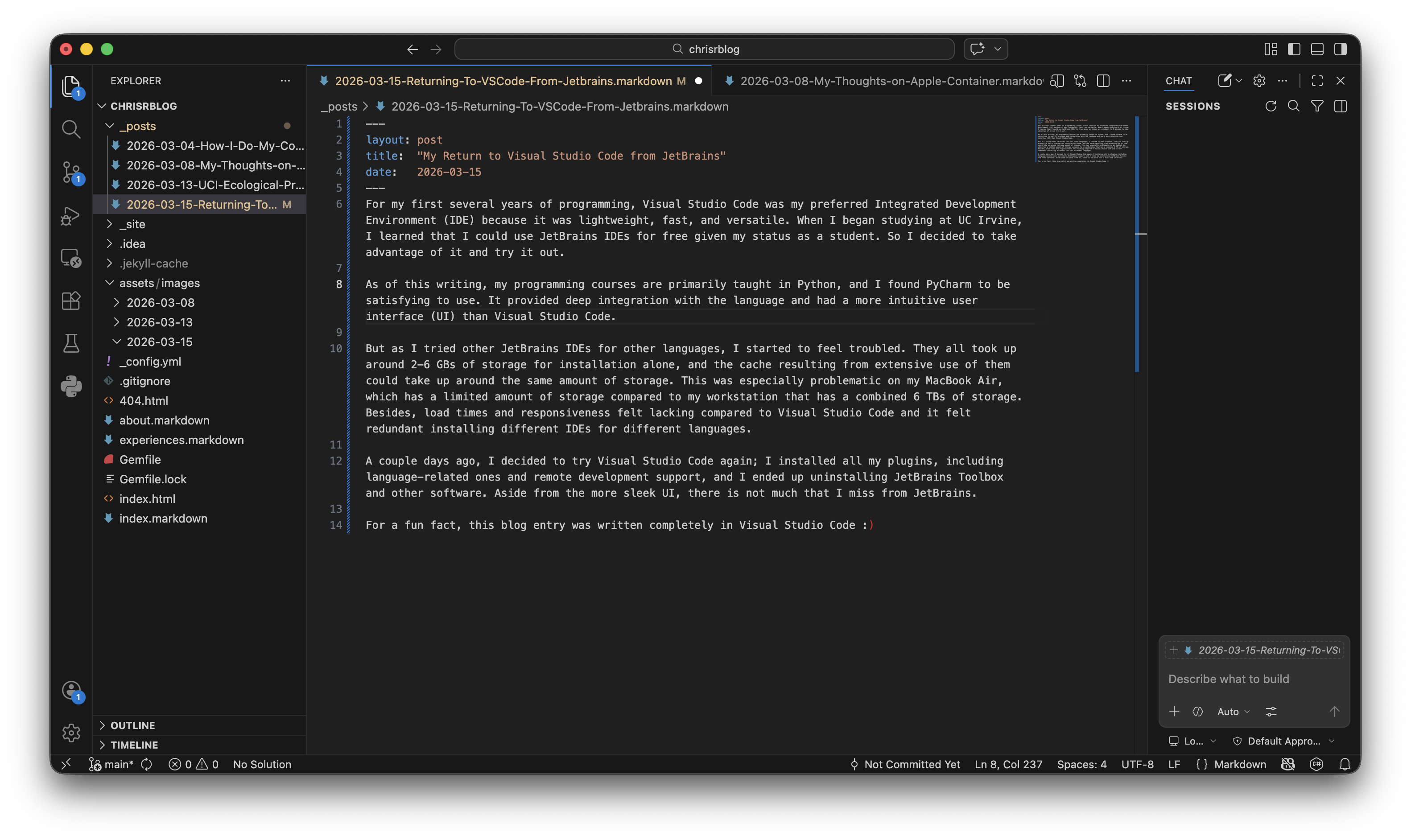 For my first several years of programming, Visual Studio Code was my preferred integrated development environment (IDE) because it was lightweight, fast, and versatile. When I began studying at UC Irvine, I learned that I could use JetBrains IDEs for free given my status as a student. So I decided to take advantage of it and try it out.
As of this writing, my programming courses are primarily taught in Python, and I found PyCharm to be satisfying to use. It provided deep integration with the language and had a more intuitive user interface (UI) than Visual Studio Code.
But as I tried other JetBrains IDEs for other languages, I started to feel troubled. They all took up around 2-6 GBs of storage for installation alone, and the cache resulting from extensive use of them could take up around the same amount of storage. This was especially problematic on my MacBook Air, which has a limited amount of storage compared to my workstation that has a combined 6 TBs of storage. Besides, load times and responsiveness felt lacking compared to Visual Studio Code and it felt redundant installing different IDEs for different languages.
A couple days ago, I decided to try Visual Studio Code again; I installed all my plugins, including language-related ones and remote development support, and I ended up uninstalling JetBrains Toolbox and other software. Aside from the more sleek UI, there is not much that I miss from JetBrains.
For a fun fact, this blog entry was written completely in Visual Studio Code :)